
On this page 7 sections
You're in the middle of something and Claude stops: "You've hit your session limit." Or worse, the weekly one. When your Claude usage limit is reached, Claude tells you which limit it is and when it resets. The 5-hour session limit comes back five hours after your first message. The weekly limit comes back at a fixed time each week. Until then you can wait, keep going on usage credits, or upgrade.
This guide shows you which limit stopped you, when it resets, why it ran out faster than you expected, and how to make the next one last longer.
| Message you see | What ran out | When it comes back | Fastest way to keep working |
|---|---|---|---|
| You've hit your session limit | Your 5-hour allowance | 5 hours after the session's first message | Wait, or turn on usage credits |
| You've hit your weekly limit | Your weekly allowance, across all models | At your account's fixed weekly reset time | Usage credits or a bigger plan |
| You've hit your Opus limit (or Sonnet limit) | That one model family | At the time shown in the message | Switch model with /model |
| A Fable limit (Max and Ultra) | The separate weekly Fable allowance | At your weekly reset | Switch to Opus or Sonnet |
Which Claude limit did you hit?
Paid Claude plans have two main limits. A session limit covers a rolling 5-hour window. A weekly limit caps your total for the week. Anthropic counts everything you do in Claude on the web, the desktop and mobile apps, and Claude Code against the same limits, so a long coding session also eats into your chat allowance.
- Session limit: the 5-hour window starts with your first message. It's the one most people hit, in a single long afternoon.
- Weekly limit: it applies across all models, so switching models won't get you back in. It usually shows up after several heavy days in a row.
- Model limits: a message that names one model, such as Opus, means only that model's share ran out. Claude Code's docs say switching to a model outside that family keeps you working.
- Fable's weekly limit: Max and Ultra also have a separate weekly limit for Fable, on top of the one across all models.
Verified Ultra accounts don't have a 5-hour limit at all, only the weekly one. Ultra is the plan that used to be called Max 20x. Anthropic renamed it at the end of October 2026, and the price stayed at $200 a month.
When does the Claude usage limit reset?
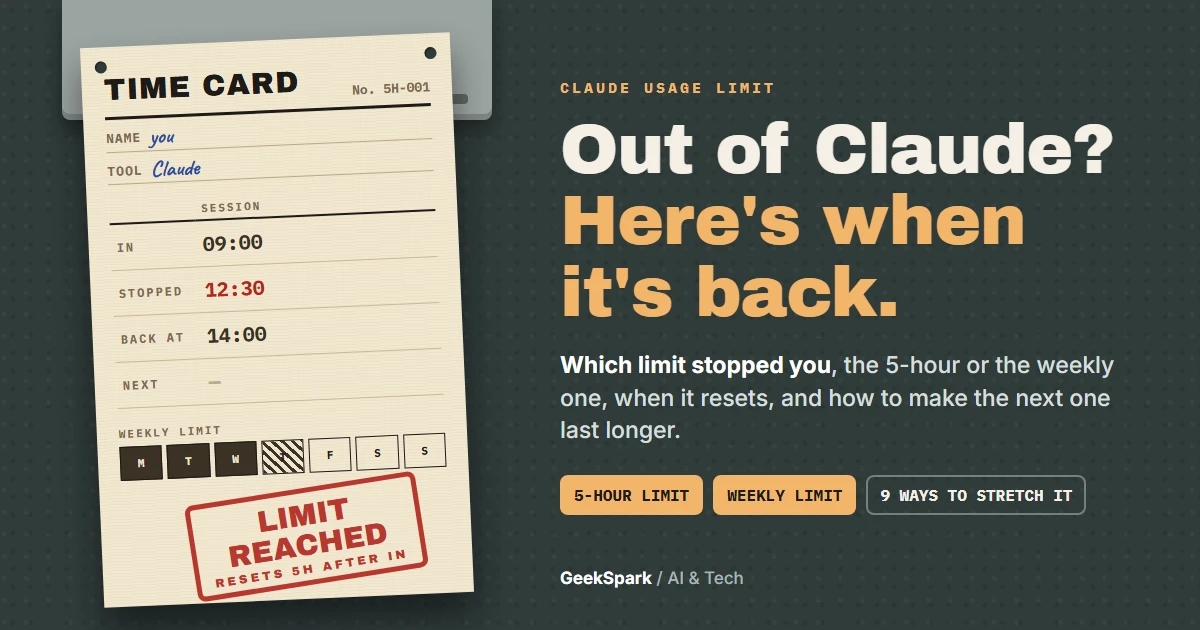
The session limit resets in full five hours after the first message of that session, not five hours after you got blocked. If you started at 9:00 and hit the wall at 12:30, you're back at 14:00.
The weekly limit is different. It resets at a fixed time each week that Anthropic assigns to your account, so your reset day can differ from a friend's. Each cycle gives you the full weekly allowance again.
To see your exact reset times:
- In Claude, open Settings > Usage. The bars show your current session and your week.
- In Claude Code, run
/usage. Subscribers see the plan bars, plus a breakdown of what used them. - On Ultra, no "Current session" bar means your account is verified and has no 5-hour limit.
Why does your Claude limit run out so fast?
Your limit isn't a message count. It's closer to a budget of work, and some messages cost far more than others. Anthropic doesn't publish message counts any more, but it does list what drains the budget faster:
- Long conversations. Claude processes the whole conversation again with every new message, so a one-line question at the end of a long chat still draws usage for everything above it.
- Big files and long messages. Every attached page counts, every time it's read.
- Tools and connectors. Research, web search and connectors are, in Anthropic's words, "token-intensive".
- The model and effort level. Opus uses more than Sonnet, and higher effort uses more tokens.
- Claude Code sessions. Each step sends your files, tool results and history. Claude Code's docs say a session open for hours can use far more than your activity suggests.
- Quiet background work. In Claude Code, scheduled tasks, subagents, agent teams, idle check-ins and your first message after a long break (which misses the cache) all count.
That's why one person gets a long afternoon of quick questions out of Pro, and another runs out in an hour of agent work on a big codebase.
How to make your Claude limit last longer
These come from Anthropic's own guidance. The first three save the most for most people.
- Start a new chat for a new topic. In Claude Code,
/clearbetween unrelated tasks. It costs nothing, while/compactis itself a big request. - Put files you reuse in a Project. Anthropic says cached parts of a project "count less against your limits than new content".
- Ask once, completely. Batch related questions into one message and include the context Claude needs. Each round of "no, I meant…" costs a full re-read.
- Match the model to the job. Sonnet handles most work. Save Opus for hard reasoning, and give simple subagents Haiku.
- Lower the effort for simple tasks. Use
/effortin Claude Code, or a lower effort setting in the app. - Switch off tools you don't need. Disable unused connectors and MCP servers; each one adds tokens.
- Let
/usagetell you what's heavy. On a paid plan it lists what used your allowance and suggests fixes. Pressfto apply the ones it can. - Watch for idle usage. Stop
/looptasks and agent teammates you no longer need before you step away. - Plan before big changes. Plan mode and specific prompts ("add validation to the login function in auth.ts") stop Claude reading files it doesn't need.
Can you keep working after the limit? Usage credits, waiting or upgrading
You have three choices when the limit hits mid-task.
Wait for the reset. In recent Claude Code versions you can choose to wait and have it continue the interrupted task automatically after the reset (see /rate-limit-options).
Turn on usage credits. Pro, Max and Ultra subscribers can keep going on pay-as-you-go usage credits, billed at standard API rates. Set a monthly spend limit in Settings > Usage, or run /usage-credits in Claude Code. Credits bought on or after 7 December 2026 expire 12 months after purchase; older credits don't expire. As a rough guide, in our own estimate a normal prompt costs about $0.05 on Claude Sonnet 5.5 at API prices, about $0.11 on Opus 5.5, and a long agent step on Sonnet about $0.18. Your real cost depends on how long your prompts are.
Upgrade. When you move to a bigger plan, Anthropic applies the new limits right away.
One common mix-up: Max, Ultra and Team plans now include monthly API credits ($100 on Max, $200 on Ultra, $20 or $100 per Team seat, pooled up to $500). Those credits work in the Claude API and Agent SDK with a linked Console key. They don't cover interactive Claude Code or usage credits in the Claude apps, and they don't roll over.
Is it time to change your Claude plan?
If you hit the limit every week, a bigger plan is usually cheaper than paying for usage credits on top. Here's how the plans compare, from Anthropic's pricing and help pages, with prompt estimates scaled from its last published Pro figures:
| Plan | Price a month | Usage compared with Pro | Short chats every 5 hours (estimate) |
|---|---|---|---|
| Pro | $20 ($17 billed yearly) | 1x | about 45 |
| Max | $100 | 5x, every 5 hours and every week | about 225 |
| Ultra | $200 | 10x a week, no 5-hour limit once verified | no 5-hour limit |
| Team, Standard seat | $25 ($20 yearly) | 1.25x per session | about 56 |
| Team, Premium seat | $125 ($100 yearly) | 6.25x per session | about 281 |
These are estimates, not promises. Anthropic stopped publishing message counts and says it "may adjust usage limits at its discretion", and it has tightened them before: in July 2025 it announced weekly limits aimed at Claude Code's heaviest users. Pick the plan for the weeks you actually have, not the best case.
For your own numbers, our free Claude Usage Limit Calculator shows about how many prompts your plan gives every 5 hours for the way you work, when you'll hit the limit at your pace, and which plan is cheapest for you.
Quick answers
Why does Claude say I've reached my usage limit? You've used your 5-hour session allowance, your weekly allowance, or a single model's share. The message names which one and when it resets.
How long is the Claude usage limit? The session limit lasts until five hours after the session's first message. The weekly limit lasts until your account's fixed weekly reset time.
Does starting a new chat reset my limit? No. A new chat doesn't give usage back, but it makes each later message cheaper, so your remaining allowance goes further.
Do Claude Code and the Claude app share a limit? Yes. Claude on the web, desktop and mobile, and Claude Code all count against the same usage limits.
Is Claude Ultra unlimited? No. Verified Ultra accounts have no 5-hour limit, but the weekly limit still applies, at 10 times Pro's usage, plus a separate weekly limit for Fable.
How much do Claude usage credits cost? They're billed at standard API rates, so the cost depends on the model and how long each prompt is. A normal Sonnet prompt is a few cents in our estimate.
Figures checked against Anthropic's pricing page, help center and Claude Code docs on 25 November 2026. Anthropic changes plans and limits often, so check Settings > Usage for your own account.
Sources
The facts in this guide were checked against these sources.
- Anthropic: Claude plans and pricing claude.com
- Anthropic Help: How usage and length limits work support.claude.com
- Anthropic Help: What is the Max plan? support.claude.com
- Anthropic Help: The Ultra plan support.claude.com
- Anthropic Help: What is the Team plan? support.claude.com
- Anthropic Help: Usage limit best practices support.claude.com
- Anthropic Help: Manage usage credits for paid Claude plans support.claude.com
- Anthropic Help: Monthly API credits for Max, Ultra, and Team plans support.claude.com
- Claude Code Docs: Manage costs effectively (/usage, limits, reducing token use) code.claude.com
- Claude API pricing platform.claude.com
- The Next Web: Anthropic renames Claude Max plans and drops Ultra's five-hour limit (November 1, 2026) thenextweb.com
- TechCrunch: Anthropic unveils new rate limits to curb Claude Code power users (July 28, 2025) techcrunch.com


