
PHP2Shell & the Node.js Brotli Flaw: Patch Guide
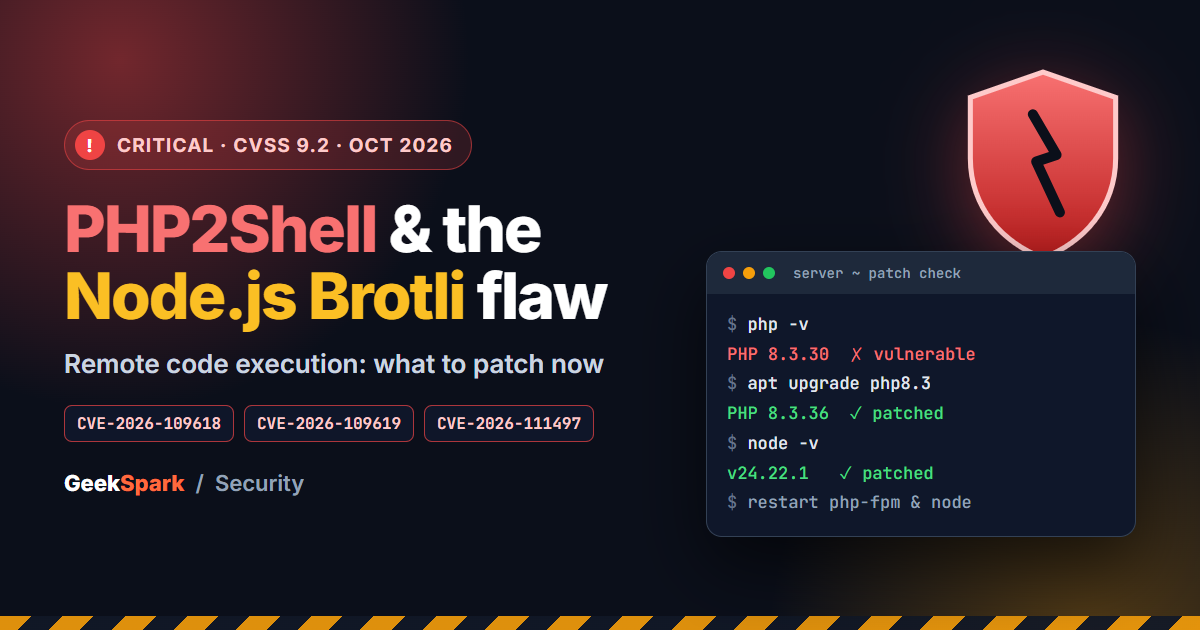
On October 21, 2026, PHP and Node.js both shipped urgent security releases on the same day. On the PHP side, two critical flaws nicknamed PHP2Shell let an attacker run code on a web server without logging in. On the Node.js side, a bug in the built-in Brotli decompressor could be abused the same way.
If you run a WordPress site, a Laravel app, a PHP script you bought, or anything built on Node.js, this affects you. The good news is that the fix is simple: update, then restart. This guide explains what happened in plain language, which versions are safe, and exactly what to check on your servers.
Last checked: November 7, 2026. Links to the official advisories are at the end.
The short version
| If you run | Update to | Notes |
|---|---|---|
| PHP 8.5 | 8.5.12 or later | Fixes PHP2Shell |
| PHP 8.4 | 8.4.27 or later | Fixes PHP2Shell |
| PHP 8.3 | 8.3.36 or later | Fixes PHP2Shell |
| PHP 8.2 | 8.2.35 or later | 8.2 reaches end of life on December 31, 2026 |
| PHP 8.1 or older | A supported version | No official fix; end of life |
| Node.js 26 | 26.12.1 or later | Node.js 26 is now the active LTS line |
| Node.js 24 | 24.22.1 or later | |
| Node.js 22 | 22.23.4 or later | |
| Node.js 25, 23, 21, 20 or older | A supported line (22, 24 or 26) | No fix for these lines |
After updating, restart every PHP worker and every Node.js process. A server that is still running the old version in memory is still vulnerable, even if the new version is installed on disk.
PHP2Shell: what actually happened
PHP2Shell is the name given to two separate vulnerabilities in PHP itself: CVE-2026-109618 and CVE-2026-109619. Both are rated 9.2 out of 10 (CVSS v4.0), and both can allow unauthenticated remote code execution. In everyday terms, that means a stranger on the internet could send a specially crafted request and make your server run their code.
What makes them serious is where they live. These are not bugs in WordPress, Laravel or a plugin. They are in the PHP runtime, the engine underneath all of them. That is why updating your application or your plugins does not fix them. The PHP version on the server has to change.
In simple terms, here is what goes wrong:
- CVE-2026-109618: when PHP runs out of memory at the wrong moment, it can stop while it is still setting up a request. The cleanup that follows then treats half-built data as if it were valid.
- CVE-2026-109619: some internal data that belongs to a request can survive after its memory has been freed, and PHP may later use it.
Both are memory-handling mistakes, the kind attackers have a long history of turning into code execution.
Who is affected
Almost every PHP version back to PHP 5.4 is affected, across the common ways PHP is run: Apache with mod_php, PHP-FPM (used with Nginx and most modern hosts), php-cgi, FrankenPHP and LiteSpeed. Reports describe Apache mod_php as the highest-risk setup, because a single request can trigger the problem before any of your application code even runs.
Researchers also noted that an attacker may be able to read memory from a running PHP worker. That memory can contain passwords, API keys and session tokens. So even if no code is executed, data can leak.
Is it being exploited?
Details leaked a day before the planned disclosure. Within hours of the patches going out, security firm watchTowr reported active exploitation attempts against both flaws, and Cloudflare said it saw early attacks and deployed firewall rules. At the time of writing, no specific successful break-in has been publicly confirmed. But "people are already trying" is exactly when you want to be patched.
Are there workarounds?
Not really. The PHP project's own advisory says there are no complete mitigations and that updating is the only safe choice. Some configuration changes reduce specific attack paths, but none closes the hole. Treat them only as a stopgap while you schedule the update, never as the fix.
What about older PHP versions?
PHP 8.1 and older no longer receive official updates, so there is no upstream fix for them. Some Linux distributions and commercial support vendors publish their own backported patches. If you are on an older version, upgrading to a supported release is the real answer. If you are on PHP 8.2, plan your move now: it reaches end of life on December 31, 2026.
One useful detail: Linux distributions often keep older-looking version numbers and add the fix in their own package. If your server shows something like 8.3.6 from Ubuntu, check the package changelog for the CVE numbers rather than comparing version numbers alone.
A third PHP issue that is not patched yet
Two days later, PHP published an informational advisory about CVE-2026-115560, a separate remote code execution risk in the session upload progress feature. As of November 7, 2026, it has not been fixed in a release. PHP says it will ship the fix and a full advisory with its next regular release.
The risk is narrow. It needs a specific setup: the session serializer is set to php_binary or php_serialize, the application switches it to php with ini_set() before starting the session, and upload progress is enabled. Most applications never do this.
Still, the PHP team's own recommendation is easy to apply. Add this to your php.ini or PHP-FPM pool configuration, then restart PHP:
session.upload_progress.enabled = 0
Normal file uploads keep working. The only thing you lose is the built-in upload progress tracking, which few applications use.
Node.js: the Brotli decompression flaw
Brotli is a compression format, the br you may have seen in Content-Encoding headers. Node.js includes a Brotli decoder in its built-in zlib module.
CVE-2026-111497 is an out-of-bounds write in that decoder. A malformed Brotli stream can make it write outside the memory it was given. Depending on the situation, that can crash your app, leak memory, or lead to remote code execution. Node.js rates it High; the CVSS v4.0 score is 9.2.
Who is exposed
You are most at risk if your app decompresses Brotli data that comes from someone else. For example:
- HTTP clients, scrapers or proxies that accept
Content-Encoding: brresponses from servers you don't control. - APIs that accept compressed request bodies.
- Services that process uploaded compressed files.
If your app never decompresses Brotli from untrusted sources, the risk is lower, but the same release fixes several other issues, so you should update anyway.
The other fixes in the same release
The October 21 release fixed ten CVEs in total. Besides Brotli, the most important ones are:
- TLS certificate checks (CVE-2026-105483, CVE-2026-106069, CVE-2026-106072): unusual ways of writing an IP address, such as fullwidth digits or a leading zero, could make Node.js accept a certificate for the wrong address.
- DNS (CVE-2026-105482):
dns.resolve()anddns.reverse()could silently cut a hostname short at a hidden NUL character and look up a different name. - Keep-alive connections (CVE-2026-105481): a malicious server could send a response early, which Node.js would then treat as the answer to your next request.
- Random values in snapshots (CVE-2026-106074): apps built as single executables or from startup snapshots could produce the same
crypto.randomUUID()values in every process.
Which versions are fixed
The fixes are in Node.js 22.23.4, 24.22.1 and 26.12.1 (or anything newer on those lines). Node.js 26 became the active LTS line on October 28, 2026, so it is a good target if you are upgrading anyway. Odd-numbered lines (25, 23, 21) and Node.js 20 and older did not get a fix. If you are on one of those, move to 22, 24 or 26.
One overlap worth knowing
The Brotli bug was in the Brotli library itself, which other software bundles too. PHP's official Windows builds include Brotli, so PHP published rebuilt Windows packages on October 26 (versions ending in -1, such as 8.4.27-1) with the fixed library. If you run PHP on Windows, make sure you have those rebuilds, not just the October 21 versions.
Your patch checklist
Work through this list on every server, container and hosting account you are responsible for.
1. Find out what you are running.
php -v
php -i | grep "Server API"
node -v
The first two lines tell you your PHP version and how PHP runs (Apache module, FPM or CGI). The third gives your Node.js version. If you use Docker, check the base image tag in each Dockerfile too.
2. Update PHP. On a VPS, install the latest package for your PHP version through your package manager, or switch to a fixed version. On shared hosting or cPanel, use the PHP version selector, or ask your host to confirm they have applied the October 21 releases.
3. Update Node.js. Install the fixed release for your line with your version manager (nvm, fnm or Volta) or your package manager. Update the version in your Dockerfiles and CI too.
4. Restart everything. Restart PHP-FPM or Apache, every Node.js process (PM2, systemd services, serverless functions), and rebuild and redeploy containers and single-executable apps. A patched runtime does nothing until the old processes are gone.
5. Turn off session upload progress until PHP ships the fix for CVE-2026-115560, as shown above.
6. Check it worked. Run php -v and node -v again, and for PHP, load a page with phpinfo() (then delete it) to confirm the web server uses the new version, not just the command line.
7. Keep an eye on your logs. Look for unusual requests, unexpected crashes of PHP workers, or new files appearing in upload folders. If you suspect anything, rotate the passwords and API keys stored on that server, because memory leaks can expose them.
Frequently asked questions
Does updating WordPress or my plugins fix PHP2Shell? No. PHP2Shell is in PHP itself. Your hosting provider or server administrator has to update the PHP version. Updating WordPress is still a good idea, but it does not close this hole.
I use a PHP script or Laravel app. Do I need to change my code? In almost all cases, no. Update PHP, restart it, and your application keeps running as before. The one exception is the upload progress setting for CVE-2026-115560, which rarely affects applications.
My site runs on shared hosting. What should I do? Check the PHP version in your hosting panel. If it doesn't show 8.2.35, 8.3.36, 8.4.27, 8.5.12 or later, ask your host whether they have applied the October 21 security patches. Many hosts patch their own packages without changing the version number shown.
Is Node.js 20 still safe if I don't use Brotli? Node.js 20 is end of life and no longer receives security fixes, so every future flaw will stay open. Upgrade to 22, 24 or 26.
The bottom line
Neither PHP2Shell nor the Node.js Brotli flaw requires you to change your application. Both require you to update the runtime and restart it. It is usually a ten-minute job per server, and attackers were already trying these flaws within hours of the patches.
If you bought a script from us and need help checking or updating the server it runs on, get in touch. We are happy to point you in the right direction.
Sources
- PHP: October 21, 2026 security releases and advisory, including the informational advisory on session upload progress (October 23, 2026)
- Node.js: October 2026 security releases
- The Hacker News: PHP issues emergency patches for two critical PHP2Shell RCE flaws
- Qualys: Node.js patches Brotli remote code execution flaw